From Aesthetics to Functionality: How to Balance Website Design Elements
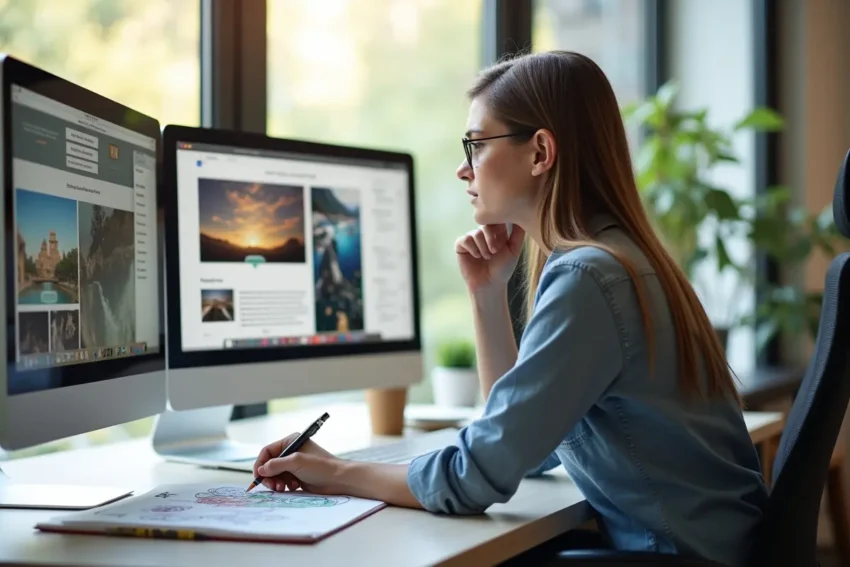
Building a site is about more than just picking a color scheme or a cool font. It is a mix of art and science that keeps people coming back. If a site looks great but does not work, people leave. If it works but looks boring, they might never click. Finding that sweet spot is the goal of every creator today. This process involves testing every detail to meet user needs.
Contents
The Power of Visual Identity
A website is often the first point of contact for a new customer. You can visit the SetMySite official website to see how professional teams handle this balance. These designers understand how to align a brand image with technical needs. They use clean layouts and quality images to tell a story without words. This helps a visitor feel like they are in the right place right away.
It takes less than a tenth of a second for a user to form an opinion of your site, a recent marketing blog pointed out. This means your visuals must do the heavy lifting from the start. A clean look builds trust and makes the brand feel more reliable. If the design feels messy, users might worry about the quality of the service, too.
Speed as a Core Design Element
A site must do more than just look pretty. It needs to function smoothly since slow load times or clunky navigation can drive visitors away instantly, a printing company noted. Speed is a part of the design itself. A report found that 53% of mobile site visitors will leave a page that takes longer than three seconds to load. Performance is just as key as the imagery you choose for your brand.
Technical Performance Basics
- Fast server response times
- Optimized image files
- Clean code without bloat
- Mobile-responsive layouts
- Secure connections
- Easy to find contact info
Intentional Motion and User Cues
Animations are not just for show anymore. In 2026, motion is less about visual flair and more about helping users understand what is happening on the screen, a tech firm suggested. Small movements can show a user where to click or how to scroll. Headlines that build letter by letter use motion to guide attention by drawing the eye to a key message, according to an online marketing study. This helps the visitor process information without feeling overwhelmed.
Motion should feel like a guide rather than a distraction. If a button wiggles, it should be to remind the user to click it. If a menu slides out, it should feel natural to the flow. Subtle cues make the digital space feel more interactive for every guest.
Modern Color Palettes and Trends
Trends change every year, but the core goal remains the same. One design blog says the trend will evolve into the “nature distilled” aesthetic featuring palettes that celebrate muted, earthy tones. These colors feel grounded and calm for the visitor. They help create a sense of trust with the audience.
Choosing the right colors affects how people feel when they land on your home page. Dark mode remains a popular choice for many modern sites. It reduces eye strain and makes bright colors pop. Balancing these trends with your brand voice is a task that requires care.
Navigation is the backbone of any good website. The delicate balance between aesthetics vs. functionality in web design can make or break a website’s success, a design agency noted. Menus should be easy to find and simple to use. If a user has to hunt for the contact page, the design has failed. Simple labels and logical structures are always better than clever ones that confuse the reader.
Good navigation works on both desktop and mobile platforms. A menu that looks great on a large monitor might be too small for a thumb on a phone. Designers must test every link to confirm it works everywhere. Consistency is the key to making a user feel comfortable while they browse.
Personalization in Modern Layouts
Users expect a site to feel like it was made for them. Around 80% of consumers now expect companies to offer personalised experiences, a training institute found. This means showing content that fits their interests or location. On personal computers and tablets, a common layout choice puts the main CTA button to the right of the form field to improve flow, a data analytics study showed. These small layout choices change how people interact with the site.
Layouts should guide the user toward a specific action. Whether it is signing up for a newsletter or buying a product, the path should be clear. Using data to decide where buttons go is a smart way to design. It removes the guesswork and leads to better results for the brand.
Design is a journey that never truly ends for a brand. As technology gets better, the ways we build websites will keep changing. Staying open to the latest ideas while keeping the user in mind is the best way to grow. A site that looks great and works well is a powerful tool for any business. Keep testing and tweaking until the balance feels just right for your audience. Success comes when form and function finally meet in the middle.